Anyone on the team can shoot
When different people photograph products, everyone ends up with different angles. In Kolovue the angles live in a preset, and the arm repeats them exactly, whoever presses Start. You can’t match that precision by hand.
Put a product on the platform, press Start, and a robotic arm with a camera shoots it from the angles you need. The finished shots go straight to a folder or cloud storage.
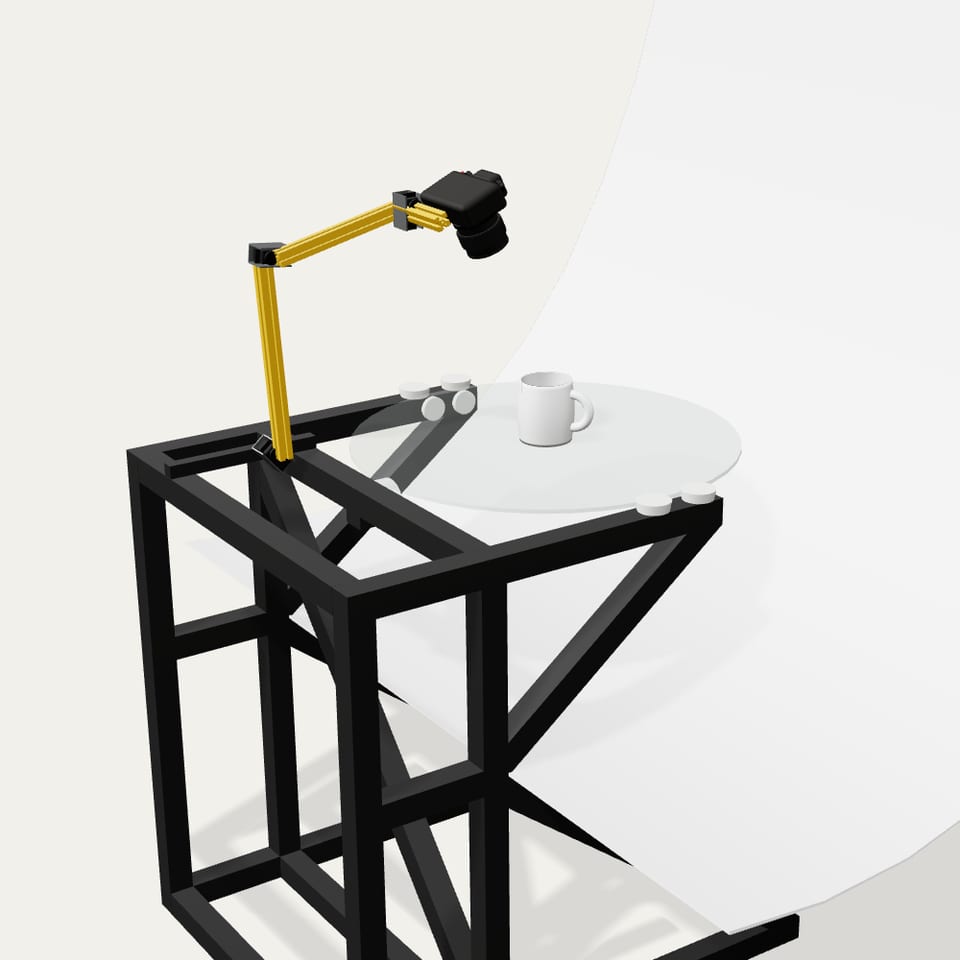
In the centre of the glass platform.
A preset stores the angles to shoot from. There are ready-made presets for different product types, and you can make your own.
Kolovue shoots the series and exports it as an archive or straight to cloud storage.
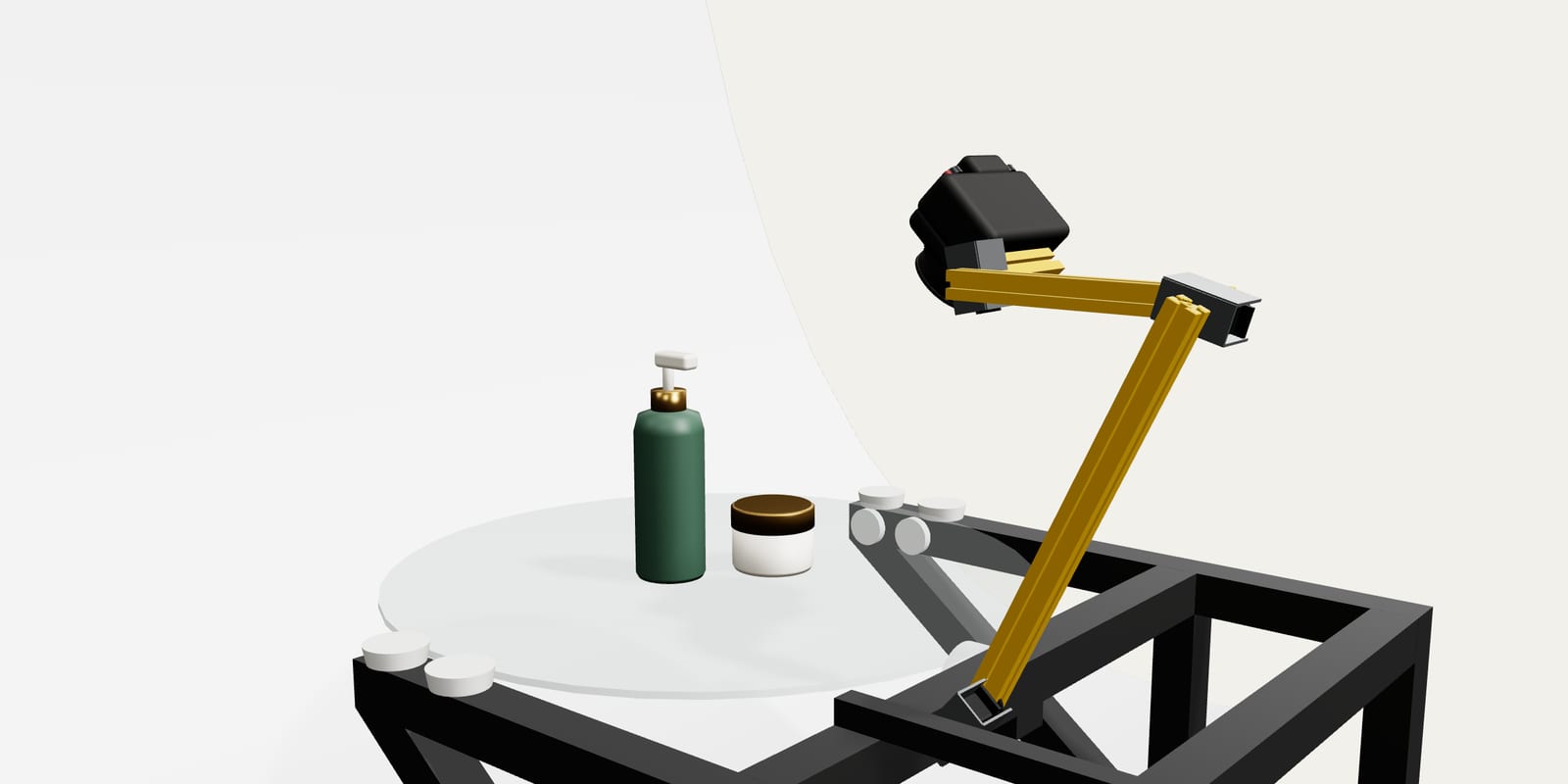
Kolovue works with your own camera and lighting and supports any flexible backdrop. You control it from a tablet or laptop. If you don’t have the gear yet or aren’t sure yours is compatible, we’ll help you choose.
Especially handy for catalogues where every product has to be shot the same way.
Tricky surfaces and artistic photography are better left to a person than a robot.
You get clean, consistent shots for product pages and catalogues.
When different people photograph products, everyone ends up with different angles. In Kolovue the angles live in a preset, and the arm repeats them exactly, whoever presses Start. You can’t match that precision by hand.
Outsourcing photography is expensive, and shooting by hand is slow. You buy Kolovue once, and from then on your own staff shoot new products with no per-shot fees. Nobody has to set up each frame by hand, so you get more done in a shift.
When AI places a product in a room or on a model, it often distorts the shape, colour or details. Usually it just doesn’t have enough to go on: from one or two shots it has to guess the rest. With a full set of angles, there’s much less guessing.
We assemble them by hand in Serbia. If you photograph products every day, get in touch.
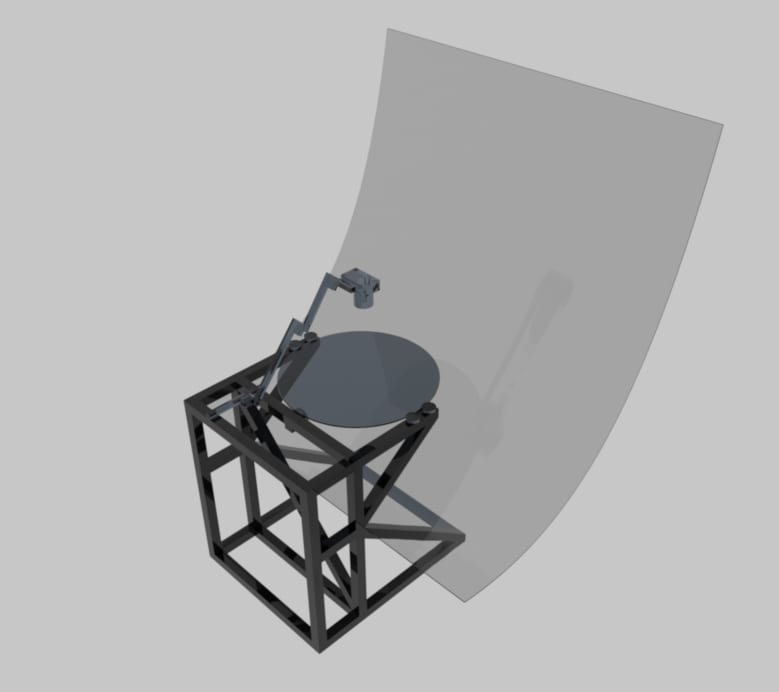
Tell us what you shoot and how much. We’ll let you know whether Kolovue is a good fit.

Developer with a passion for automation and robotics, now building Kolovue.